
Nexus Market Crypto
Nexus Market accepts Bitcoin and Monero, and which Nexus market crypto you use matters more than most people think. This isn't just a question of "what's in your wallet" — it's a fundamental privacy decision. Bitcoin transactions are permanently visible on a public blockchain. Monero transactions are cryptographically private by default. Same Nexus market, same products, very different exposure levels depending on which coin you deposit.
This Nexus market crypto guide covers how both Nexus market crypto options work, how to set up wallets properly, and why the choice between BTC and XMR has real consequences for your operational security on Nexus Market.
Bitcoin on Nexus Market
Bitcoin is the most widely held cryptocurrency and the easiest to acquire, which is why Nexus supports it. But it comes with a privacy problem that's worth understanding before you use it.
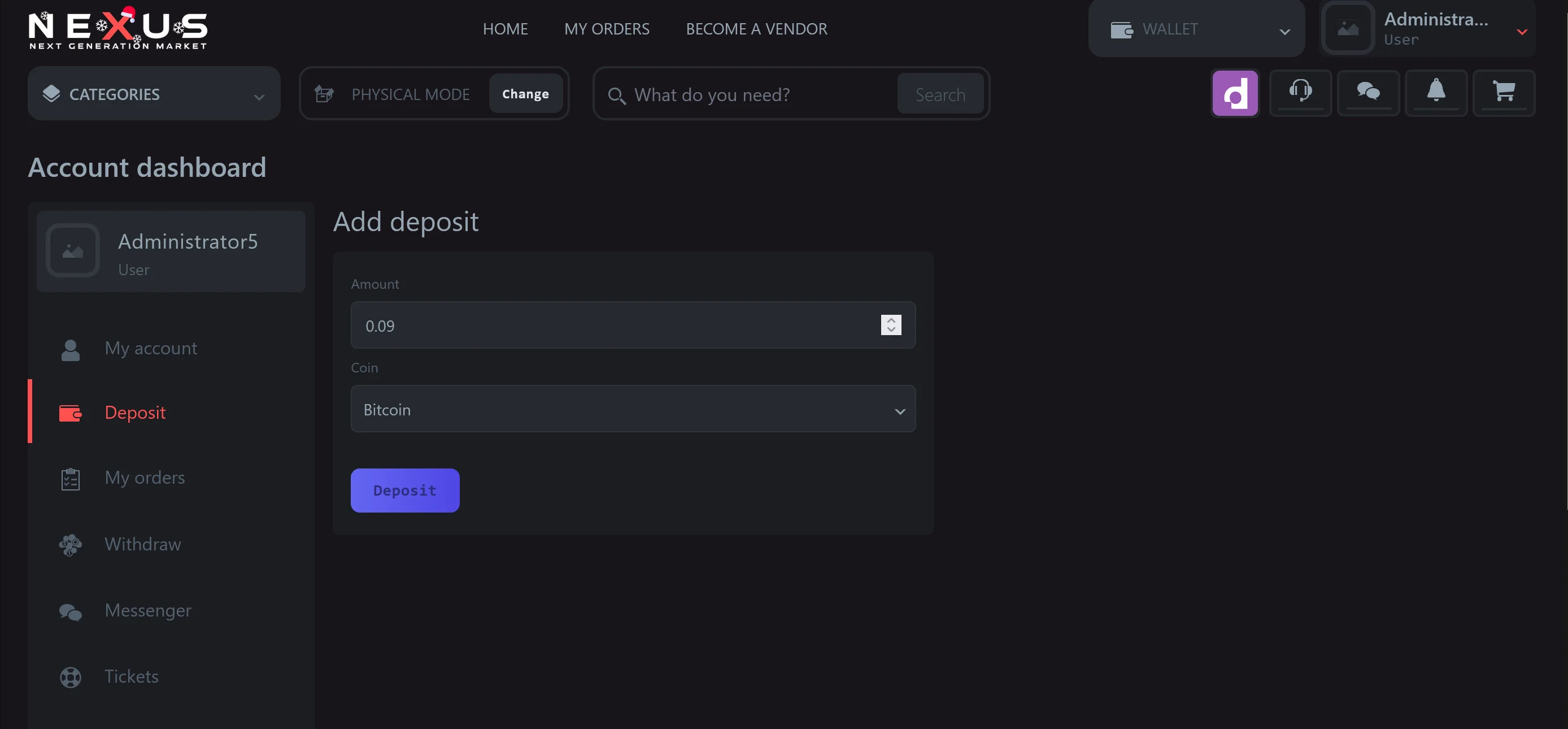
How BTC deposits work on Nexus: When you deposit Bitcoin on Nexus Market, the market generates a unique deposit address for your account. You send BTC from your wallet to this address. After the transaction receives enough confirmations on the Bitcoin blockchain (typically 2–3 for Nexus, though this may vary), the funds appear in your market balance. From there, you spend from the balance when placing orders.
The privacy problem: Every Bitcoin transaction is recorded on a public, permanent, searchable ledger. Anyone with a blockchain explorer can see which address sent how much to which other address. The transaction amounts, the timing, the flow of funds — all public. Chain analysis firms like Chainalysis have built their entire business around tracing these flows, and they work directly with law enforcement agencies worldwide.
This doesn't mean a Bitcoin transaction instantly reveals your identity. Addresses are pseudonymous — they're long strings of characters, not names. But if any address in the chain is ever linked to a real identity (through a KYC exchange, a merchant receipt, or a law enforcement subpoena), the connection can propagate backward and forward through the transaction graph.
Making BTC more private (if you still choose to use it):
CoinJoin is a transaction structure where multiple users combine their inputs into a single transaction, making it harder to determine which input funded which output. Wasabi Wallet and Sparrow Wallet both support CoinJoin natively. This improves privacy but doesn't make Bitcoin transactions fully private — it raises the cost and difficulty of analysis, but determined analysis can sometimes break CoinJoin mixing patterns.
The Nexus market bitcoin flow in practical terms: acquire BTC → send through a CoinJoin cycle (at least two rounds) → send to your Nexus deposit address. Skip the CoinJoin step, and you have a direct line from wherever you acquired the BTC to a darknet market. That's a risk only you can evaluate.
Monero Privacy Mechanics
Monero is the privacy-focused alternative, and it's what Nexus Market recommends for users who prioritize transaction privacy. Unlike Bitcoin's "public ledger with pseudonymous addresses" model, Monero is private by default — no extra steps required.
How Monero achieves privacy: Three mechanisms work together. Ring signatures mix your transaction input with decoy inputs from the blockchain, so observers can't tell which input actually funded the transaction. Stealth addresses generate a one-time address for each transaction recipient, so the receiving address on the blockchain doesn't match the recipient's public address. RingCT (Ring Confidential Transactions) hides the transaction amount entirely. The result: sender, receiver, and amount are all cryptographically obscured on the public ledger.
How XMR deposits work on Nexus: Same basic flow as Bitcoin — Nexus generates a deposit address, you send XMR, and after confirmations the funds appear in your balance. The difference is that the transaction between your wallet and the deposit address is private by default. No CoinJoin needed, no mixing service, no extra steps. The Monero blockchain records the transaction but doesn't reveal who sent how much to whom.
The practical advantage: With Nexus market XMR, your wallet balance, your transaction history, and your deposit amounts are not visible to anyone analyzing the blockchain. This is the default behavior, not an opt-in feature. You don't need to use special wallet software or perform mixing rounds. Send XMR from any Monero wallet, and the privacy is built in.
Wallet Setup: BTC and XMR Options
Bitcoin Wallet Options
If you're going the BTC route, the wallet you choose determines your available privacy tools.
Sparrow Wallet (desktop, open-source) is the current recommended option for Bitcoin users who want CoinJoin support. It connects to your own Bitcoin node or a public Electrum server, supports CoinJoin through Whirlpool integration, and gives you full control over coin selection (choosing which UTXOs to spend). Available for Windows, macOS, and Linux from sparrowwallet.com.
Wasabi Wallet (desktop, open-source) is the other major CoinJoin-capable wallet. Its built-in CoinJoin coordinator makes the mixing process relatively straightforward. Trade-off: Wasabi's coordinator is centralized, meaning you're trusting the coordinator operator not to log.
What to avoid: Web wallets, exchange wallets, and mobile wallets that don't support coin control. If you can't choose which inputs fund a transaction, you can't prevent address linkage.
Monero Wallet Options
Feather Wallet (desktop, open-source) is lightweight and connects to remote Monero nodes, so you don't need to run a full node. It's the closest equivalent to Sparrow in terms of usability. Available for Windows, macOS, and Linux from featherwallet.org.
The official Monero GUI wallet is maintained by the Monero project and is the most full-featured option. It can run in simple mode (remote node) or advanced mode (local node). Heavier on resources but offers every Monero feature. Available from getmonero.org.
Cake Wallet (mobile, open-source) supports Monero natively and is available on iOS and Android. Useful if you need mobile access, though desktop wallets generally offer better security posture.
Acquiring Cryptocurrency
Where you get your BTC or XMR affects your privacy before you even deposit on Nexus.
Centralized exchanges (Binance, Kraken, Coinbase) require KYC — identity verification with government ID. If you buy BTC on a KYC exchange and send it directly to a Nexus deposit address, the exchange has your identity and the destination address. That's a documented, subpoena-ready link. If you buy BTC from a KYC exchange, CoinJoin rounds between the exchange and your deposit address are not optional — they're essential.
Peer-to-peer exchanges (Bisq for BTC, or LocalMonero before its closure) offer non-KYC acquisition. Bisq is a decentralized exchange that operates over Tor and doesn't require identity verification. Trades are secured by a 2-of-2 multi-sig escrow. The trade-off: lower liquidity, wider spreads, and slower settlement compared to centralized exchanges.
ATMs can provide cash-to-crypto conversion with varying levels of identity verification. Bitcoin ATMs in many jurisdictions now require phone number verification or ID for transactions above small thresholds. Check local requirements.
Atomic swaps let you exchange BTC for XMR (or vice versa) without trusting a third-party exchange. This is technically possible and several implementations exist, but the user experience is still rough compared to using an exchange. If your BTC is already KYC-tainted and you want to move to XMR, an atomic swap is one route — but CoinJoin on the BTC side first still helps.
Nexus Market Payment Flow
Here's the end-to-end Nexus market payment flow, step by step:
For BTC: Acquire Bitcoin → (CoinJoin in Sparrow or Wasabi, 2+ rounds) → Send to Nexus deposit address → Wait for confirmations → Balance appears → Place order → Funds go to multi-sig escrow → Complete transaction → Market releases from escrow to vendor.
For XMR: Acquire Monero → Send from Feather/GUI wallet to Nexus deposit address → Wait for confirmations → Balance appears → Place order → Funds go to escrow → Complete transaction → Market releases to vendor.
The XMR flow is shorter because the privacy is built into the protocol. No mixing step, no coin selection strategy, no worrying about UTXO linkage. This is the core advantage.
Fees on Nexus: Market commission applies to each transaction (percentage varies by product category and vendor level). Network transaction fees (miner/validator fees) apply to deposits and withdrawals separately. Monero network fees are typically lower than Bitcoin fees — XMR transactions cost fractions of a cent in most network conditions, while BTC fees fluctuate significantly with network congestion.
For a broader look at how Nexus handles the escrow that your payments flow into, the market comparison details the multi-sig escrow architecture. Mirror availability affects how quickly deposit confirmations register, so the Nexus Market status page is worth checking before initiating a large transfer. And for the current verified deposit addresses, the main Nexus Market page has the PGP-confirmed onion links.
BTC vs XMR: Choosing the Right Option
If privacy is a priority (and on a darknet market, it should be), Monero is the better Nexus market crypto choice. Period. The Nexus market crypto options include both, but XMR gives you protocol-level privacy without additional steps. Bitcoin can be made more private with CoinJoin and careful UTXO management, but that adds complexity and still doesn't match Monero's default privacy guarantees.
The only scenario where the BTC route makes clear sense for Nexus market crypto is if you already hold Bitcoin and don't want to exchange it, or if you can't acquire Monero directly. In that case, CoinJoin before deposit is mandatory, not optional.
Nexus Market supports both BTC and XMR, and from the market's side the Nexus market crypto flow works the same regardless of which coin you use. The difference is entirely on the blockchain side — what's visible to outside observers after the fact.